
AI Adoption Starts With Your Own Skill Gaps
AI adoption is more personal than most people expect. It often starts with admitting where your own skill gaps are. · Read more →
An interesting lesson on my road to AI adoption and enabling teams has been how personal jumping into AI use cases can be. There are real fears around AI replacing jobs and changing what people are expected to do in their roles. What I’m also finding is that there is real vulnerability for each person on their journey to use AI tools at work.
It’s one thing to automate a clearly mundane process, it’s another to use it to close your own gaps.
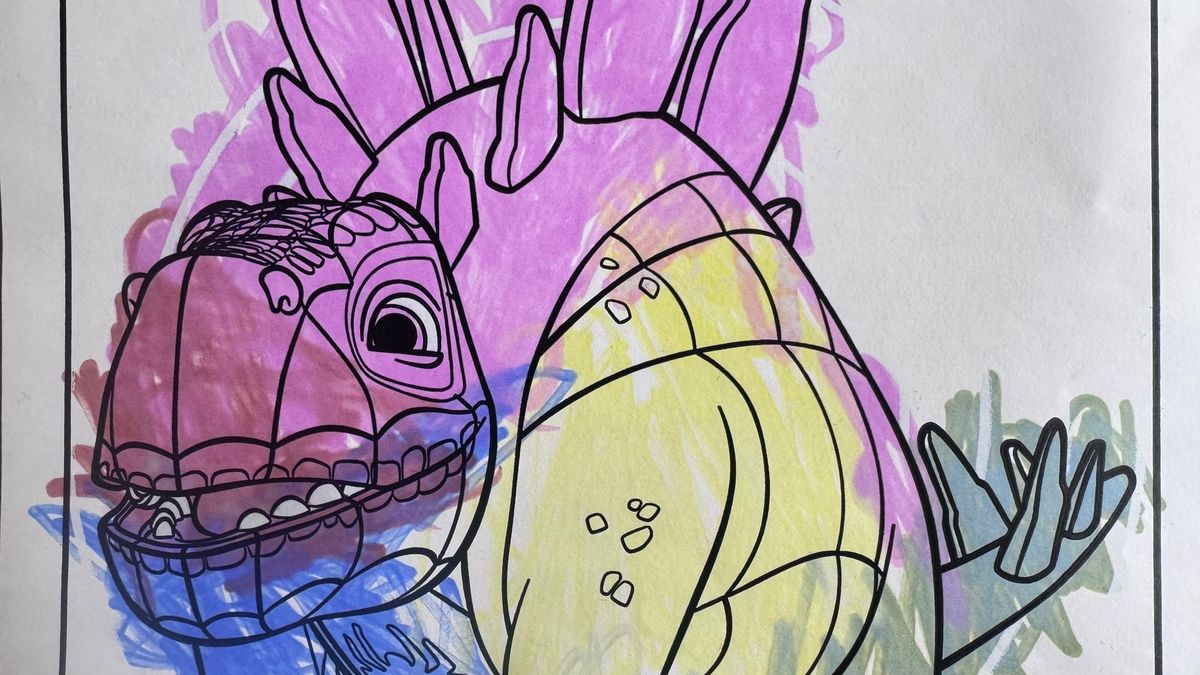
My example is simple. I cannot draw. Pick out colors. And should generally be kept away from any part of the creative design process. I can look at something and decide if I like it or not but I don’t always have the vocabulary to articulate what’s in my head. I certainly don’t have the ability to create it on my own. My 4 year old is starting to pass me by with his skills. Trust me. It’s bad. I’m sure if I dedicated time, I could improve but why would I? I’ve spent this long muddling along and it’s not going to be a skill someone is going to call me to do.
Admitting that is personal
I’ve worked alongside great designers and helped launch beautiful sites and apps but I brought little value to the creative design. We all have something in our daily work life like this. Admitting the gaps to your peers, leadership and, even more so, direct reports takes bravery. If I can’t do it all, won’t AI replace me?
Your individual AI journey takes you directly along this path. The easiest place to jump in, is your largest gap in knowledge or skill. Can’t design? Can’t code? Can’t take notes and pay attention in a meeting? All have easy solves with AI tools.
For me that is design work, AI doesn’t make me a designer but it can help me better communicate with one. It helps me get my ideas out in a different way but still hand off to the professional. We start from a better, more aligned foundation. I would expect any designer to throw it away but they at least get a closer look at what I’d try to describe or provide as part of the direction. This isn’t about replacing a designer with AI. We need real designers. It’s a communication tool alongside the text, existing branding, and conversations that go into any serious design engagement.
The people that are great at those things don’t need to start there. They have their own gaps to close. It’s easy to feel lost if you take a class, compare notes with peers, or watch a video of someone else. They will push towards things you may not feel is valuable. The journey is all yours. Once you start with one use case, you’ll find others and go deeper. But it’s hard to start by following someone else’s path.
Contrary to what everyone is reading online right now. Everyone hasn’t fully automated their workflows, built agents to do all their work, and replaced all their friends and coworkers with AI. In fact, many of the people I meet and in the early stages of my work are still very new to AI. They use it as a basic search tool and to produce some basic content. They tell me they know it’s important. Maybe even attended some webinars but still aren’t sure what to do with it beyond the real basics.
I’ve talked with people in roles from executive to management to individual contributor and many people still feel like they don’t know where to start.
Here are five easy ways to start using AI in your daily work:
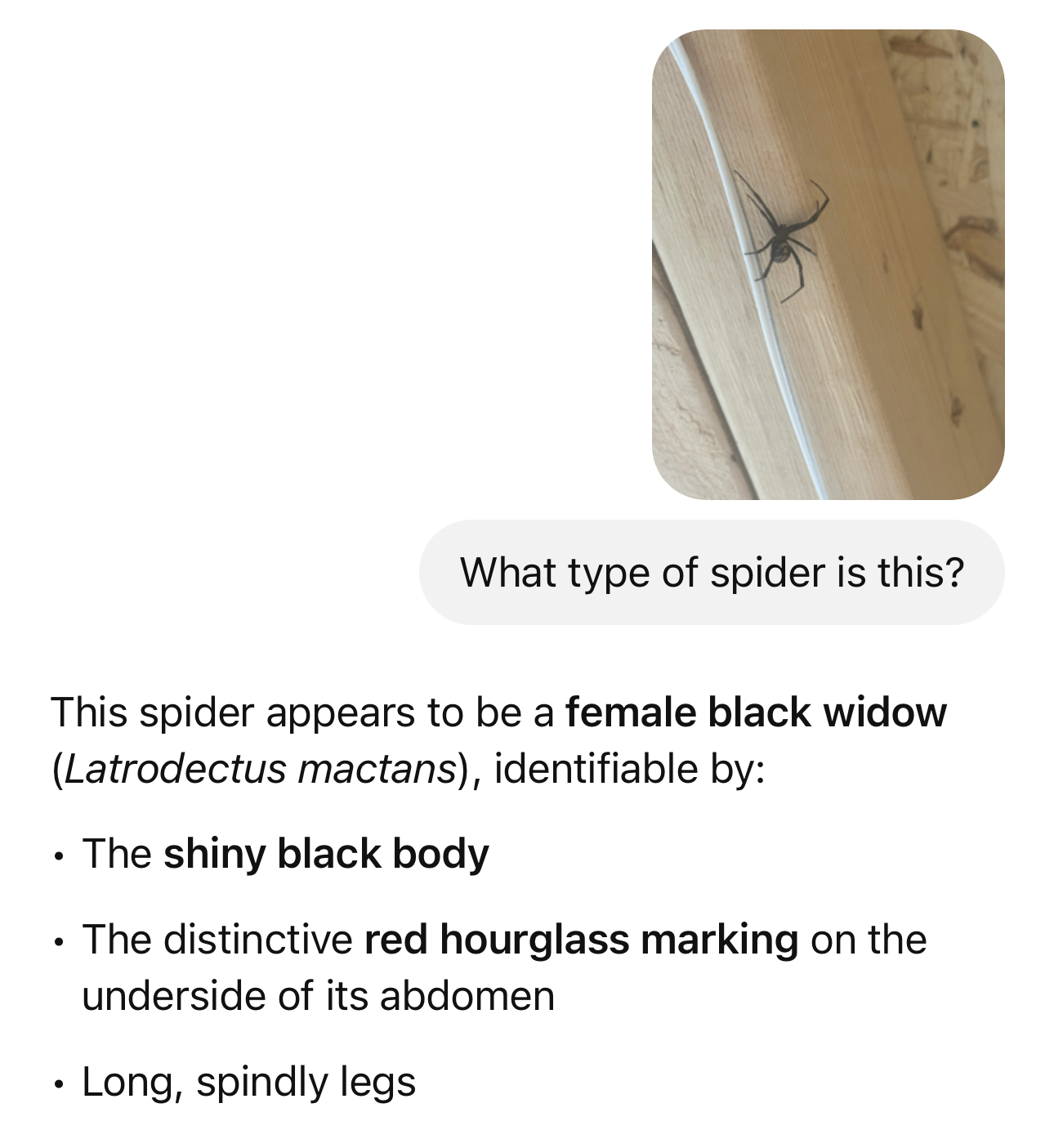
- Download the app on your phone and start using it in your personal life. I’ve used it to identify mysterious spiders, fix my lawnmower, and find that movie I could only remember pieces of.
- Find something you know you don’t do well and ask the AI tool how it might help you close that gap. Think about your writing, your data analysis skills, design, coding, or simplifying ideas.
- Record & transcribe your meetings. It feels weird at first but having access to a recording, a meeting transcript, and a recap give you artifacts to refer to with AI later.
- Summarize documents and ask it to call out important information, risks, and highlight information you should be aware of. The more context you can give it, the better job it will do. That doesn’t mean you shouldn’t also read it but it helps to look for pieces to be aware of as you dive in.
- Find someone to share your lessons with and compare notes. Your coworkers, a friend, your partner. Maybe create a sharing space within your organization.
If you already check the box on doing those 5 introduction exercises and you’re already a heavy user of these tools, try this in your most used AI chat tool. Ask it where your gaps are?
Here is a sample prompt to identifty your level-up opportunities
Based on our interactions, I'd like you to give me some feedback. What gaps can you identify in my skillset that I should be working on? How could AI help me overcome those gaps?
Surprise. It called out my “Visual Communication” and need to “translate ideas into simple visual models”. These are the growth opportunities AI can help you work through.
There is real vulnerability in learning how to use AI tools at work and changing how you work along with it. It’s even more challenging if you feel everyone else is already ahead. The reality is that most people are still figuring this out.
This is the type of work I’m helping teams with. I work with organizations, teams, and individuals to help them find practical uses for AI and build confidence in using AI tools in their work.