
Housekeeping in Jira: How to clean up your project spaces
A cluttered Jira slows people down. Cleaning up your project spaces is one of the most effective ways to fix it. · Read more →
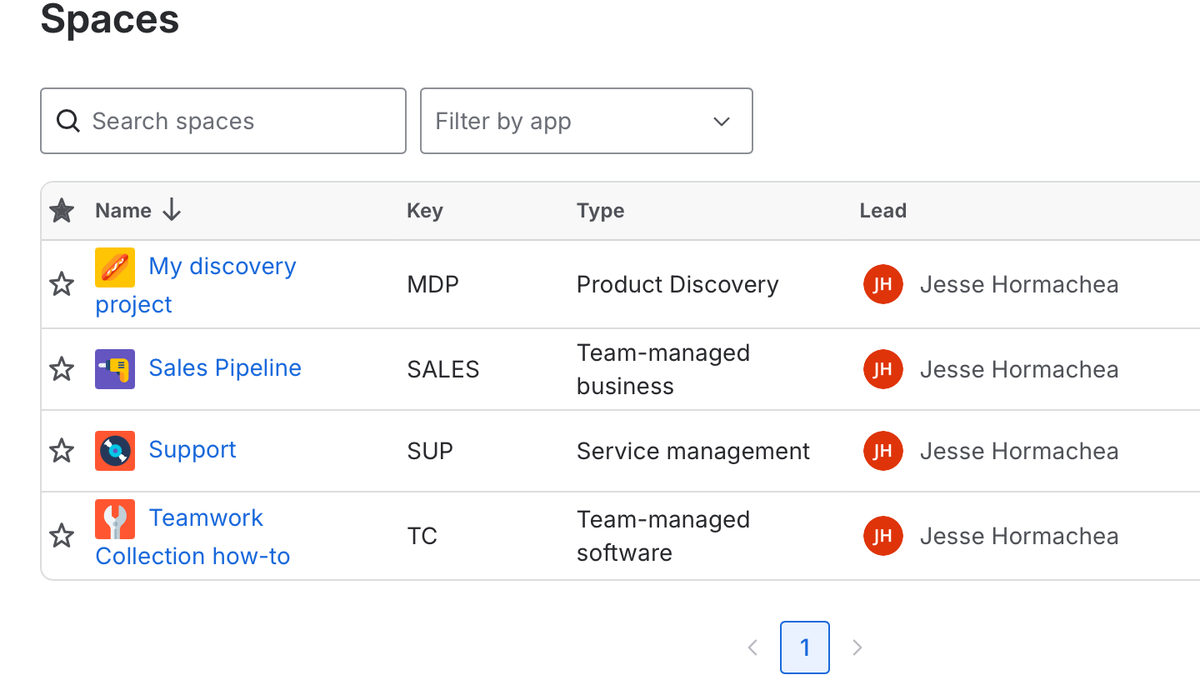
It’s easy to let your project spaces in Jira go stale. Letting old spaces sit unused has the potential to slow down your system. Worse than that, it can cause frustration, loss of productivity, and people trying to work around Jira rather than with it.
For people that don’t live and breathe Jira, the UI has a lot going on. A focus of my work is simplifying what a user can see. It makes it easier to find work and spend less time thinking about Jira.
In the previous post, I covered cleaning up unused or expired apps. It’s another great way to clean up Jira for your users.
Project spaces is the next level to look at to help provide clearer paths for users. Here are three ways to keep project spaces tidy in a Jira environment.
Manage access to projects through permissions
This might seem like an obvious one, but the permissions schemes don’t need to simply restrict for security reasons. Just because a user can have access to the information doesn’t necessarily mean they need to. By putting guardrails around access, you help focus search results, options available in the UI, and AI-enabled chats. Setting up groups or team linked groups is a good way to make sure teams have access through a group permission so you’re not managing users as a one-off.
Once a project is complete, close it out
This one will depend on your organization’s policies, but I would recommend setting up a read-only permission scheme to have users retain access to information without being able to modify it. If that information is no longer relevant to the team, remove their access. As a bonus, add an icon that makes it easy to identify that a project is closed in the UI.
Archive projects for Premium and Enterprise Customers
This is a Jira Premium or Enterprise feature, but for those at those tiers, I highly recommend implementing a policy to review closed projects and archive them. Under Jira admin -> System -> Site optimizer from the left panel, you can review various reports.
For this case, the All Reports menu -> Projects option gives a really easy-to-use report to find candidates to archive. Using the last updated filter, you can find projects with no updates over the last 6 months, 1 year or 2 years. Within that report, you can select projects and immediately archive them.
Like all cleanup efforts, it’s easy to skip steps or not make the initial effort. These tips appear simple on the surface but the reality of live environments can be challenging. Projects that have existed for years. Projects that people rarely use.
People like to data horde and don’t like to see changes made.
The key to any cleanup exercise is to make a plan, execute on it, and, most importantly, create procedures to ensure these tasks are handled routinely. Once your users understand the cleanup cycles, they will get used to the changes. As your policies and procedures for your Atlassian setup mature, it gives you future options to automate this admin work.
If you need help getting a plan together to clean up your Jira environment, I help teams get Jira optimized, get people actually using it, and take ownership of ongoing maintenance.